





MiniTool Partition Wizard V.13.5 Software Released Brand-New Duplicate Cleaner
Offers flexible options to scan, review, and safely remove duplicates while giving users control over how files are handled
This is a Press Release edited by StorageNewsletter.com on December 24, 2025 at 2:01 pmMiniTool Software Ltd., software provider specializing in disk management solutions, has announced a new version of its partition manager: Partition Wizard V.13.5.

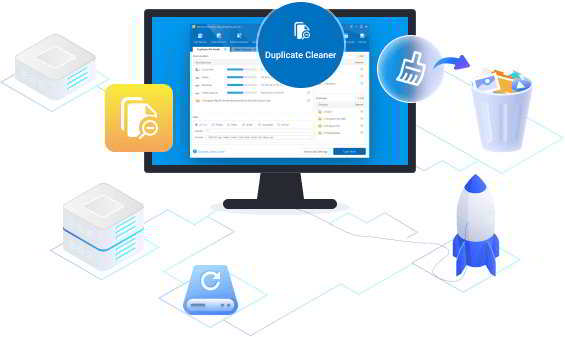
This update features the brand-new Duplicate Cleaner and brings a refreshed interface, improved performance, and enhanced usability to help users manage storage more efficiently.
Features and Improvements in MiniTool Partition Wizard 13.5
Duplicate Cleaner with Hard Link Support
The newly built-in Duplicate Cleaner helps users reclaim disk space by detecting and managing duplicate files. It offers flexible options to scan, review, and safely remove duplicates while giving users control over how files are handled.
Click to enlarge
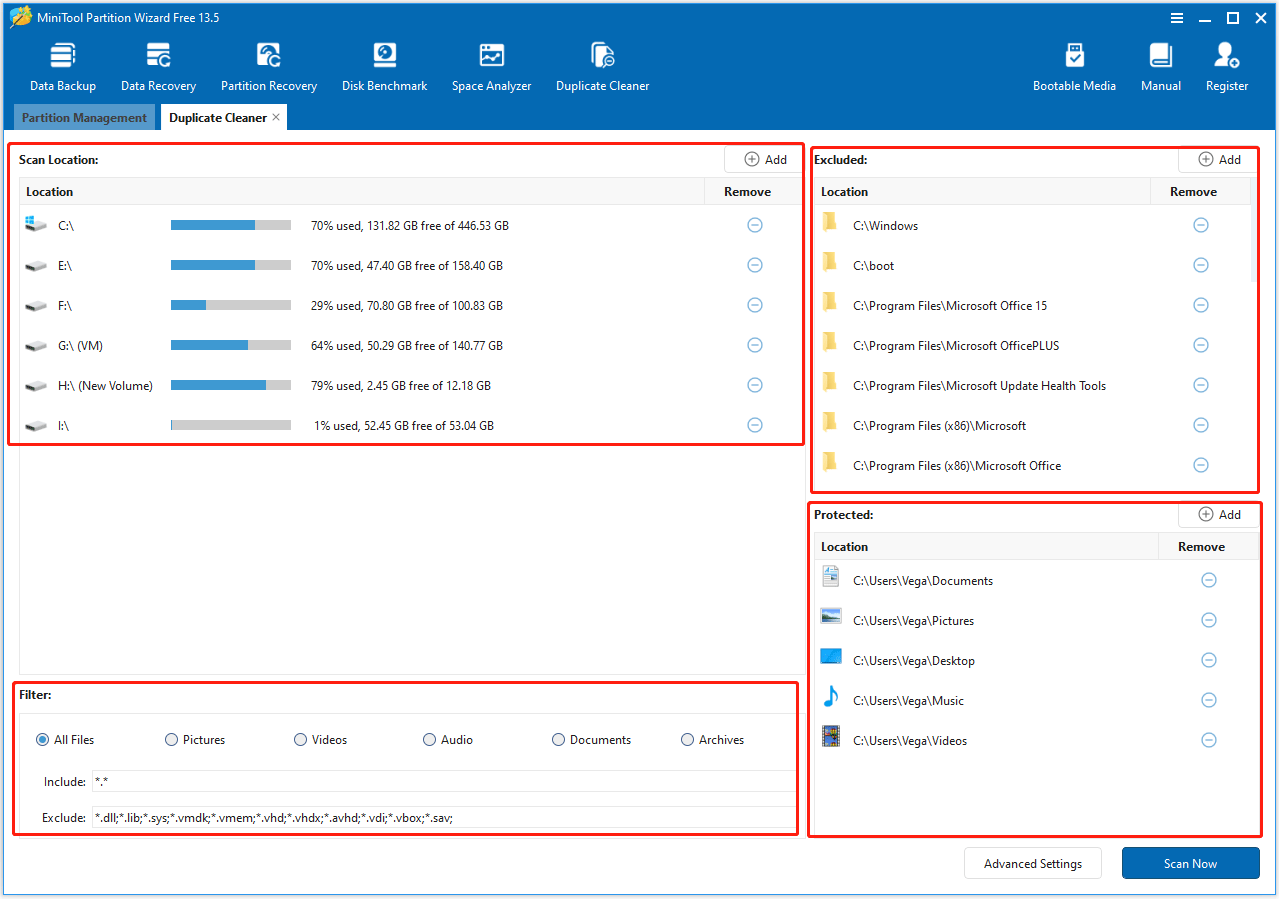
Key features include:
- Duplicate Files Detection and Removal: Quickly find and delete duplicate files from internal drives, external drives, and USB devices. By default, duplicates are moved to the Recycle Bin for safety, but users can choose to permanently delete them if desired
- Hard and Symbolic Links (optional): This new feature offers special deletion options that create hard links on the same NTFS drive or symbolic links across NTFS/ReFS drives. This frees up disk space while retaining access to original files
- Advanced Scan Settings: Before scanning, users are allowed to configure scan locations, file types, file size ranges, and hash comparison methods (MD5 or SHA-1). Large files can be scanned using a partial hash for faster results, and important system files and folders can be protected
- Smart Selection: In the scanning results interface, users can sort, filter, and preview duplicate files by name, size, quantity, or modification date. They can safely remove duplicates with one click
Refreshed Software Interface
Partition Wizard 13.5 features a cleaner, more intuitive interface. Icons and graphics have been updated for a sharper look. The layout is easier to navigate, and buttons, menus, and progress indicators have been refined for a smoother and more consistent experience. Common actions are now easier to access, helping users complete tasks more efficiently.
Performance and Stability Enhancements
This new version brings overall optimizations to improve software speed, reliability, and stability. These improvements enhance the user experience throughout the application.
MiniTool Partition Wizard is a comprehensive disk management tool for Windows users. It offers a wide range of features, including partition management, disk cloning, space analysis, and file system conversion, making it easy to optimize and maintain storage devices.
This partition manager specializes in simplifying disk operations for users of all levels. It supports creating, formatting, merging, splitting, and resizing partitions, as well as recovering lost partitions and repairing file system errors. With advanced features like disk benchmarking, space analysis, and partition copying, users can manage storage efficiently while keeping data safe.
Now, this new Duplicate Cleaner allows users to scan for duplicate files on PCs and external drives, safely delete unwanted copies, and optionally create hard or symbolic links to retain access to originals. This helps reclaim disk space with ease.
With continuous updates and a user-friendly design, MiniTool Partition Wizard serves millions of users worldwide, providing a reliable solution for everyday disk management and advanced storage needs.







 Subscribe to our free daily newsletter